From Calculators to AI Math Solvers: A Shift Every Engineering Student Should Notice
When I was in my semester at NSUT I used to do what most engineering students do. I would use a Casio calculator to solve integrals I would try to remember the quotient rule and I would hope to get partial credit when my method was right but my arithmetic was wrong.. This way of doing things had its limits. A calculator can tell you what the answer is.. It does not tell you why the answer is what it is.
The change from using calculators to using AI-powered math solvers is not about doing things faster. It is about getting feedback when you make a mistake. A good AI math solver does not just give you the answer. It shows you how to get the answer. It highlights where you went wrong and it can even teach you things that you will use for the rest of the semester.
There is a difference between using an AI tool to understand a math problem and using it to avoid doing the problem. This article is for students who want to understand the math problems. Whether you are studying Calculus I integration trying to understand decomposition in Linear Algebra or trying to solve a differential equation that you have never seen before using the right tool in the right way can help you understand the math problems much better. If you are building a full technical toolkit, these math solvers are the perfect companion to the best AI tools for CS students we covered yesterday.
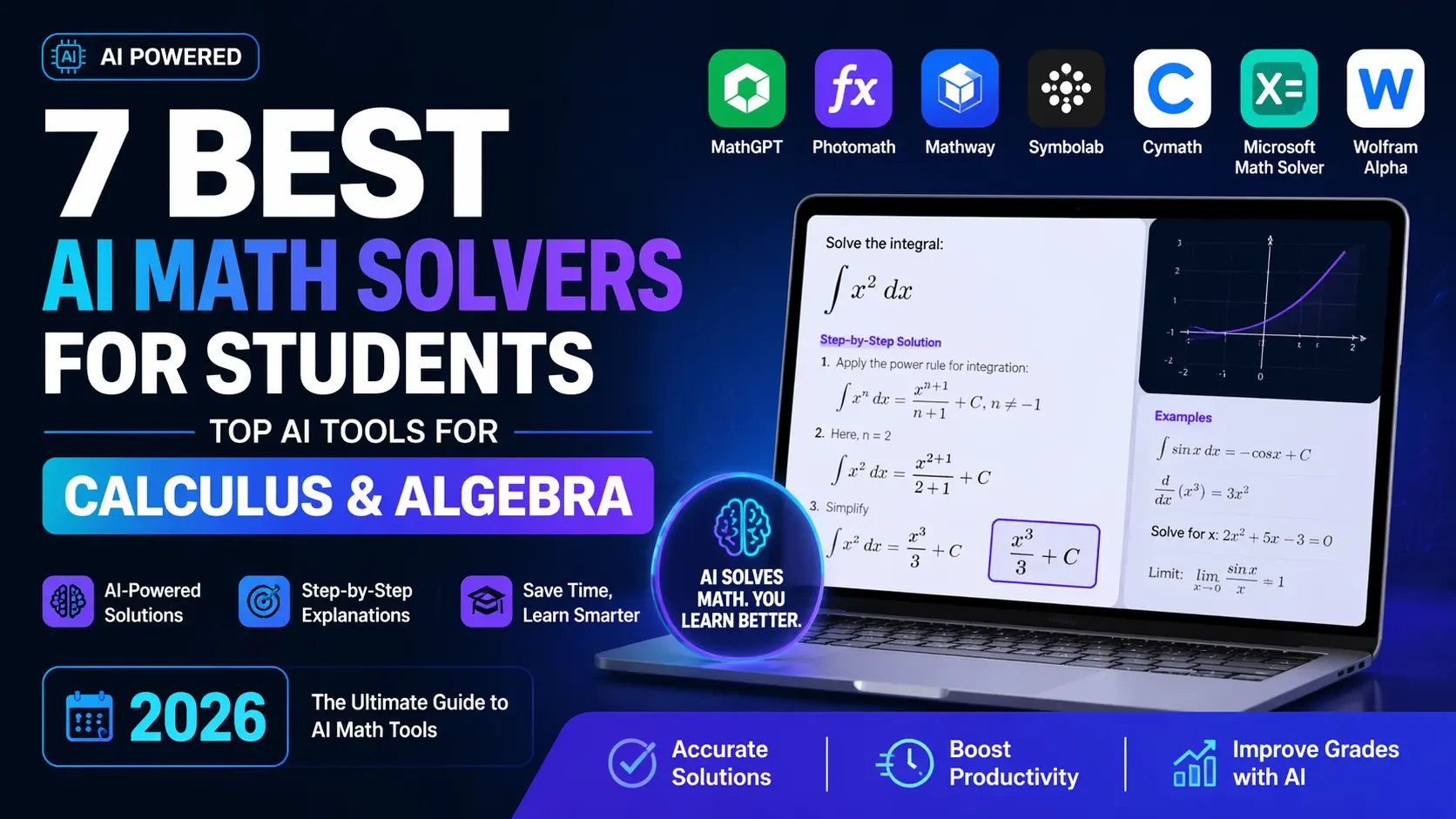
Here are the seven best AI math solvers that are available, in 2026. I tested them. Ranked them. I used them when I was doing my coursework not to see how well they work. I am a CS student. I used these AI math solvers when I was taking my classes.
| Tool | Best For | Price | Logic Accuracy |
|---|---|---|---|
| TOP PICKWolframAlpha | Calculus & symbolic computation | Free / $7.25 mo (Pro) | ⭐ 5.0/5 |
| Symbolab | Algebra & step-by-step guidance | Free / $2.99 mo | ⭐ 4.7/5 |
| ChatGPT (GPT-4o) | Conceptual explanation & tutoring | $20/mo or Free | ⭐ 4.5/5 |
| Microsoft Math Solver | Quick problem scanning (photo) | Free | ⭐ 4.3/5 |
| Photomath | Handwritten & printed problem OCR | Free / $9.99 mo | ⭐ 4.2/5 |
| Claude 3.5 Sonnet | Multi-step reasoning & proofs | Free / $20 Pro | ⭐ 4.4/5 |
| Mathway | Wide topic coverage, fast answers | Free / $9.99 mo | ⭐ 4.0/5 |
1. WolframAlpha — The Calculus Standard No Tool Has Dethroned
Mathematics aficionados would not settle for anything less than WolframAlpha. Based on Mathematica, which stands to be one of the most sophisticated computational engines out there, it is not an LLM making mathematical reasoning, it is a fully fledged symbolic computation tool which does math. In other words, there is no guessing here. It either gives you the right answer or informs you that there is no solution at all.
In my course of study at NSUT, I relied heavily on WolframAlpha when the Calculus II course on integration techniques was going on. While the topic covered involved integration by parts within a trigonometric substitution, what was required of me was an elaborate solution process which made it possible to identify my mistake. WolframAlpha Pro was the best software to accomplish this purpose.
Where it genuinely shines: Definite and indefinite integration, limit calculation, series expansion, ODE solution, and everything related to symbolic computation. Throw it a Laplace transformation and it will give you the answer along with the solution method, alternative expressions, and even a graph in one go.
Where it falls short: Wolfram Alpha is a computational engine; it cannot be used for tutoring purposes. Wolfram Alpha will not be able to tell you the reason behind using integration by parts in the way it is used.
The Calculus Hack
WolframAlpha can be used for verifying the process used in integration, not just the results. Each individual step should be entered into WolframAlpha independently; in this way, you will be able to pinpoint the exact point at which you made a mistake in your solution.
Pros
- Symbolic computing engine – no hallucinations with mathematics
- Step-by-step solution (Pro) is the easiest to understand among any math software
- Supports complex subjects like ODEs, Fourier series, linear algebra, number theory
- Graphs, alternative forms, and series expansions are automatically done
- The free version solves most college-level math problems accurately
Cons
- Step-by-step guide needs a paid Pro account ($7.25/month)
- Does not offer any interactive feature — only exact query inputs are answered
- The application does not describe the reasoning behind mathematical concepts
- Difficulties in typing complex formulae without using LaTeX.
2. Symbolab — The Step-by-Step Algebra Companion
While WolframAlpha emphasizes computing prowess, Symbolab highlights its pedagogical capabilities. The step-by-step approach that is adopted in Symbolab is easily comprehensible by students and is not meant only for verification by mathematicians. Each operation within an algebraic solution has a brief description of the theorem being used – be it the chain rule, factorization, or completing the square.
In the context of Linear Algebra at NSUT, Symbolab simplifies the matrix computations involved – such as row-reduction, determinant, and matrix multiplication. The step-wise process in Symbolab can be easier to understand when verifying a Gaussian elimination process compared to the more concise output of WolframAlpha.
Best use case: Pre-exam practice for algebra, trigonometry, and single-variable calculus. Copy and paste a question from your homework, solve it yourself, and then analyze your own process compared to Wyzant.
Pros
- Step-by-step solutions customized for students, not research
- Marks each rule used in algebra, hence a true educational tool
- The free package is extensive; it can solve most common questions for free
- Algebra, trigonometry, calculus, statistics, and linear algebra are well covered
Cons
- Weaknesses compared to WolframAlpha in complex topics such as ODEs and series
- Mistakes occur sometimes in problems related to multi-variable calculus
- Full working available through payment for some kinds of problems
- Graphing is not as good as Desmos and WolframAlpha
3. ChatGPT (GPT-4o) — The Math Tutor That Talks Back
The difference between ChatGPT and a math solver lies in the latter being a reasoning engine capable of having a mathematical discussion. This is significant because while Wolfram Alpha will not tell you why L'Hopital's theorem works if asked, ChatGPT will explain it in terms of the indeterminate form, theorem prerequisites, and some of the mistakes that students make in applying it.
One of the lesser-known benefits of using ChatGPT for preparing for placements at NSUT was that it could help develop an understanding of quantitative aptitude questions, not just provide solutions. An example of such a request is "I always get confused about when I need to substitute and integrate and when I have to use integration by parts. Could you give me a decision framework with examples?"
Critical caveat on logic accuracy: ChatGPT can err in its mathematical calculations, especially where several steps are involved. ChatGPT is logical in its arguments and discussions, but it should never be relied upon solely to verify mathematical answers.
Best use case: Explaining concepts, developing intuitive understanding of theorems, and Socratic dialogue when you are confused about the "why" instead of just the "what."
4. Microsoft Math Solver — The Free Camera-First Tool
Microsoft Math Solver is probably the most underrated math solver AI for free. Point the camera towards your written problem in a textbook, and voila! You get a detailed solution within no time. Students who complete homework from textbooks, solve old year exam papers, or just write down problems, find this app much more convenient than entering expressions in any other app.
What is even better about this app is that it provides related exercises once it solves your question. For example, once you have solved the question ∫x·eˣ dx, it provides another five questions to test yourself further.
Best use case: Scanning math problems when studying alone, particularly for Calculus and Algebra, where you would like immediate solutions step by step without typing LaTeX code.
Limitation: The step-by-step solution is excellent, but less comprehensive compared to Symbolab for algebraic manipulations. It may not be the best option for advanced math, such as multivariable calculus and differential equations.
5. Photomath — The Handwriting-Aware Solver
Photomath's specialization is more limited compared to many other apps listed here because it excels at processing handwritten equations, giving highly accurate answers step by step. The quality of the OCR system has been upgraded; the program recognizes improperly written fractions and exponents, along with some other irregular handwriting types.
For NSUT students preferring to solve tasks manually first, followed by verification using an AI tool, Photomath will suit their work routine well. Solve the equation on paper, scan the result with the app, and get an answer step by step.
Best use case: Problem sets written in handwriting for algebra and calculus of one variable. Performs excellently on polynomials, factoring, quadratics, and elementary integrations.
Limitation: The range of Photomath ends at an undergraduate level. In case your studies involve vector calculus, Laplace transformations, or any other advanced concepts such as eigenvalues, then Photomath will produce errors.
6. Claude 3.5 Sonnet — The Proof and Reasoning Partner
While Claude cannot be considered an AI tool solely meant to solve problems mathematically, it is undoubtedly one of the best choices when it comes to solving problems that include a sequence of steps or writing mathematics in general. The reason why I say this is that Claude has the capacity to keep a long line of reasoning alive in an ongoing conversation without getting confused about what was said before.
We conducted a proof of the Cayley-Hamilton theorem in a group discussion at NSUT using Claude and it was able to help us write up a completely reasoned proof after going through the process with us.
Best use case: Proofs in mathematics, derivations in theoretical computer science subjects such as automata and complexity theory, and composing rigorously mathematical content in reports and project documentation.
Limitation: Similar to ChatGPT, Claude may commit errors in arithmetic when dealing with multi-step calculations. Never accept Claude’s calculation outputs without verifying using computational software.
7. Mathway — The Broad-Coverage Quick Reference
However, when it comes to variety of mathematical subject areas covered by a particular calculator, Mathway is undoubtedly the leader among other solvers from this list, including basic math, pre-algebra, algebra, trigonometry, pre-calculus, calculus, statistics, finite math, linear algebra, and even chemistry. If you have to use several subjects simultaneously at school and switch between them, such a service will really be handy.
The design of the solver is quite easy – you should just enter your problem, specify the subject area and receive an answer. However, to access detailed solutions, you will need a paid subscription since otherwise its usability as a means of education would be minimal.
Best use case: Fast verification questions while studying various topics at once. Helpful in verifying your answer before submission when you already know how to solve the problem.
Performance Benchmark: A Difficult Integral Across All 7 Tools
For the purpose of showing the difference between the two programs, here is a very difficult integral that often arises in a Calculus II class: ∫ x² · ln(x) dx
As one can see, this integral involves applying integration by parts where u and v need to be chosen properly.
| Tool | Correct Answer | Steps Shown | Method Explained | Speed |
|---|---|---|---|---|
| WolframAlpha | ✅ Yes | ✅ Full (Pro) | ❌ No intuition | < 1s |
| Symbolab | ✅ Yes | ✅ Full | ⚠️ Rule labels only | < 1s |
| ChatGPT (GPT-4o) | ✅ Yes | ✅ Full | ✅ Yes, with intuition | ~3s |
| Microsoft Math Solver | ✅ Yes | ✅ Partial | ❌ No | < 1s |
| Photomath | ✅ Yes | ✅ Full | ❌ No | < 1s |
| Claude 3.5 Sonnet | ✅ Yes | ✅ Full | ✅ Yes, detailed | ~4s |
| Mathway | ✅ Yes | ⚠️ Paid only | ❌ No (free tier) | < 1s |
Takeaway: All seven tools are able to solve this question correctly. The difference does not lie in accuracy in solving conventional problems but rather in the learning process itself. Wolfram Alpha and Symbolab score highest in step-by-step accuracy, while ChatGPT and Claude excel in explanations. As a study aid for exams, the latter two would be more beneficial than the former two.
Workflow: How to Use These Tools Together Without Losing the Learning
This problem is no different from the one with solution manuals in print format; you look up answers before making an effort to solve the problem and you get nothing out of the experience. The proper process of acquiring skills through working with a problem goes differently.
Spending actual time on the problem takes precedence, at least twenty minutes to figure out a hard integral or a system of linear equations. You write down each attempt made while solving the problem, even those you are not sure about. After all attempts are exhausted, and the problem is not solved yet, then you can resort to using a problem-solving resource.
In this case, however, you need to use the tool correctly. WolframAlpha to verify the steps in calculations done in calculus problems. Symbolab to review the sequence of algebraic transformations performed. ChatGPT or Claude if you cannot grasp why a certain method should be used, but are capable of doing the algebraic transformations.
The feedback mechanism of gaining knowledge is: make attempts, compare the solution provided, grasp the difference, make further attempts. In this case, artificial intelligence is a comparative and explanatory stage of the process.
Final Thoughts
In particular, for NSUT engineering students, the limits of sequences and series, differentiation, integration, and linear algebra modules taught in semester one and two mathematics classes are where proper tool usage will make a difference. The topics taught during this period will form the basis of almost all other courses.
If you are starting to build your toolkit: Begin with WolframAlpha for computational precision and steps, then use Symbolab for algebraic calculations, and keep ChatGPT/Claude handy for those times you feel like understanding the "why" of everything else. This setup provides everything a computer science student will need from a mathematical standpoint, at a price that is cheaper than any single tool's subscription.
Save this page; I'll be updating the benchmarks and ratings as new tools become available within the next few months.